
SatisFaxion
Pay per fax: send a fax from your phone without the subscription
Nobody wants a monthly fax plan for two faxes a year. SatisFaxion charges per fax, refunds the ones that fail, and turns your phone into a surprisingly smart fax machine.
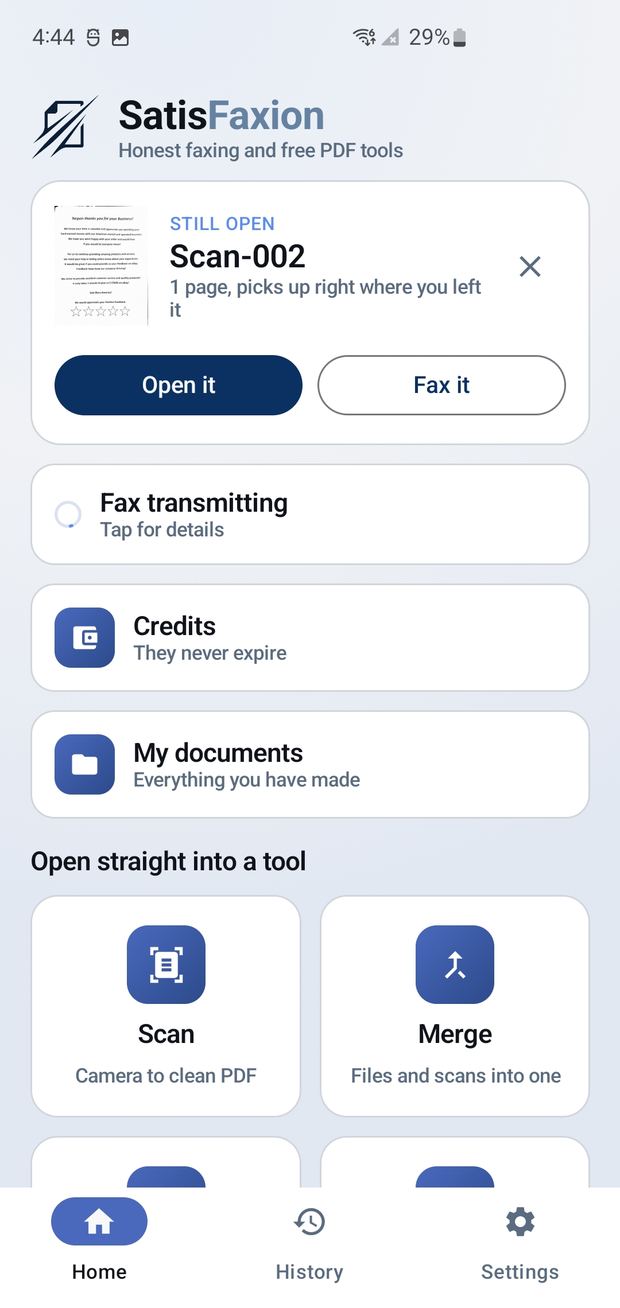
The short answer
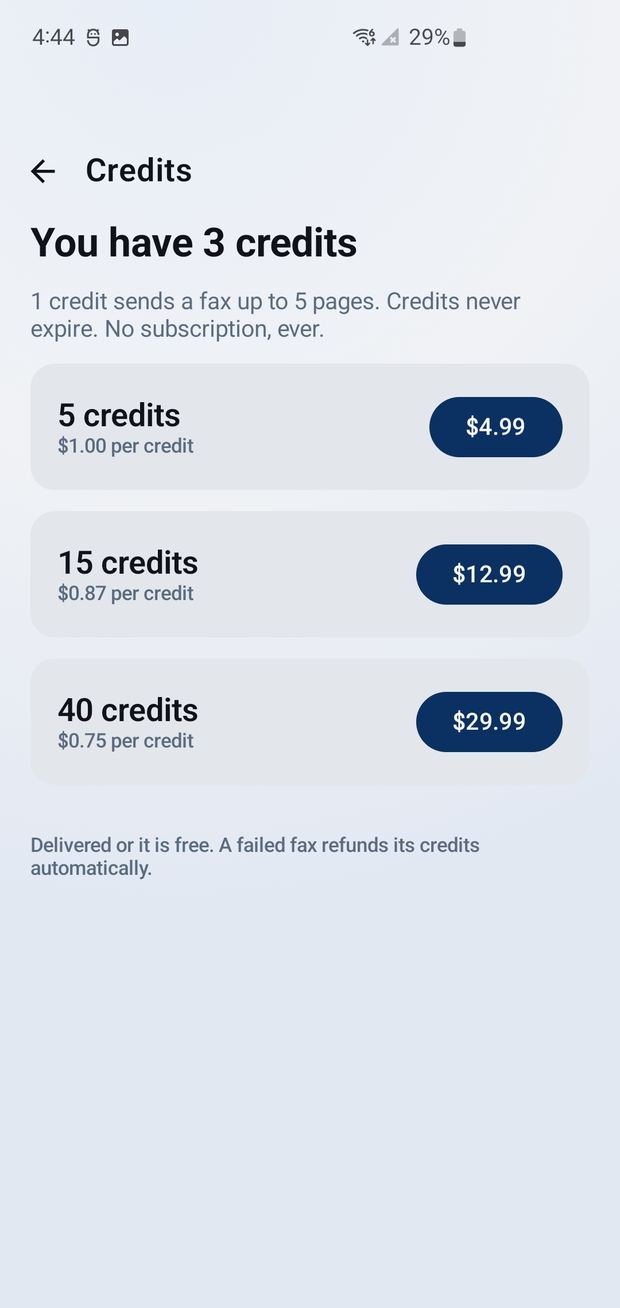
Pay per fax means you buy fax credits only when you need to send one, with no monthly plan. In SatisFaxion, one credit sends a fax of up to five pages from your iPhone. Credits start at $4.99 for five, never expire, and a fax that fails to deliver gives the credit straight back. The document is deleted from the server the moment the fax lands.
Who still needs to send a fax?
More people than you would think. Doctors' offices, lenders, courts, insurance companies and government agencies still ask for faxes, because a fax is a direct, point to point delivery with a receipt. So every so often, life hands you a form for a clinic, a signed page for a lender, or a document for a court clerk, and the only acceptable answer is a fax.
The problem is that almost nobody owns a fax machine anymore, and most fax apps assume you fax every day.
Why fax apps charge a subscription
Most fax apps are built around a monthly plan. That makes sense for an office that faxes daily. For everyone else, it means paying every month for something you use twice a year, then hunting for the cancel button. Some add ads, some require an account, and some keep your documents on their servers.
SatisFaxion flips the model. No subscription, no account, no ads and no monthly fee. You pay for the fax you send, and that is the whole deal.
How much does it cost to send a fax?
One credit sends one fax of up to five pages to any fax number in the United States or Canada.
| Credit pack | Price | Cost per fax |
|---|---|---|
| 5 credits | $4.99 | $1.00 |
| 15 credits | $12.99 | About $0.87 |
| 40 credits | $29.99 | About $0.75 |
Credits never expire, so the leftovers from this year's paperwork are still waiting next year. And if a fax does not go through, the credit comes back automatically. No support ticket, no arguing.
How SatisFaxion sends a fax
- Get the document in. Scan paper with the camera, with edge detection, shadow cleanup and auto straightening, or open a PDF or photo, or write a page from scratch.
- Fix it up. Draw a signature or initials, highlight, type anywhere, redact for real, and add one of four cover sheets.
- Preview it like a fax machine. See every page in black and white, the way it will print on the other end. Blank pages get flagged so you never pay to fax nothing.
- Send now or later. Send right away or schedule it, and cancel a scheduled fax to get the credit back.
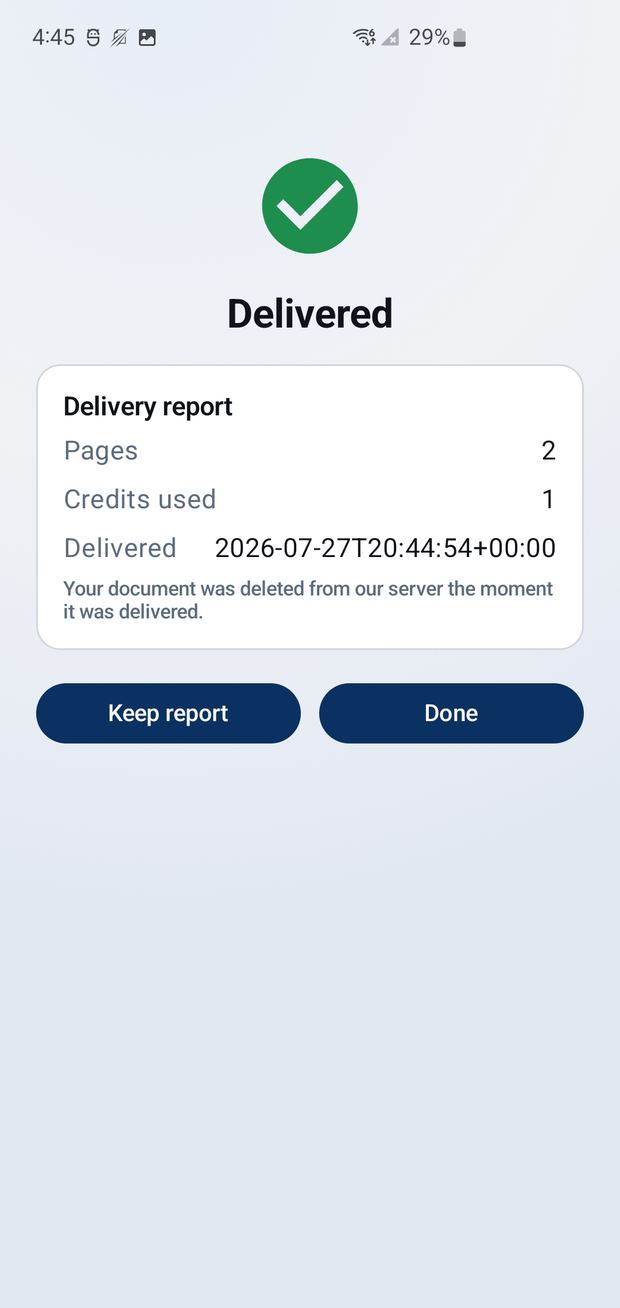
- Get proof. A notification tells you when it lands, and a delivery report is saved in your fax history on the phone.
The tech behind the fax
SatisFaxion looks simple on purpose, and there is a lot going on underneath. The iPhone app is native Swift and SwiftUI. Scanning runs on Apple's VisionKit, the same document camera built into Notes, and purchases run through StoreKit 2 with every receipt verified on the server before a credit is added.
When you tap send, the fax goes to a Laravel API on Slover Digital's own server. It is queued, handed to the fax network, and tracked until the far end confirms delivery. A credit ledger records every charge and refund, which is how a failed fax refunds itself automatically. Once the fax is delivered, the document is deleted. Nothing is kept.
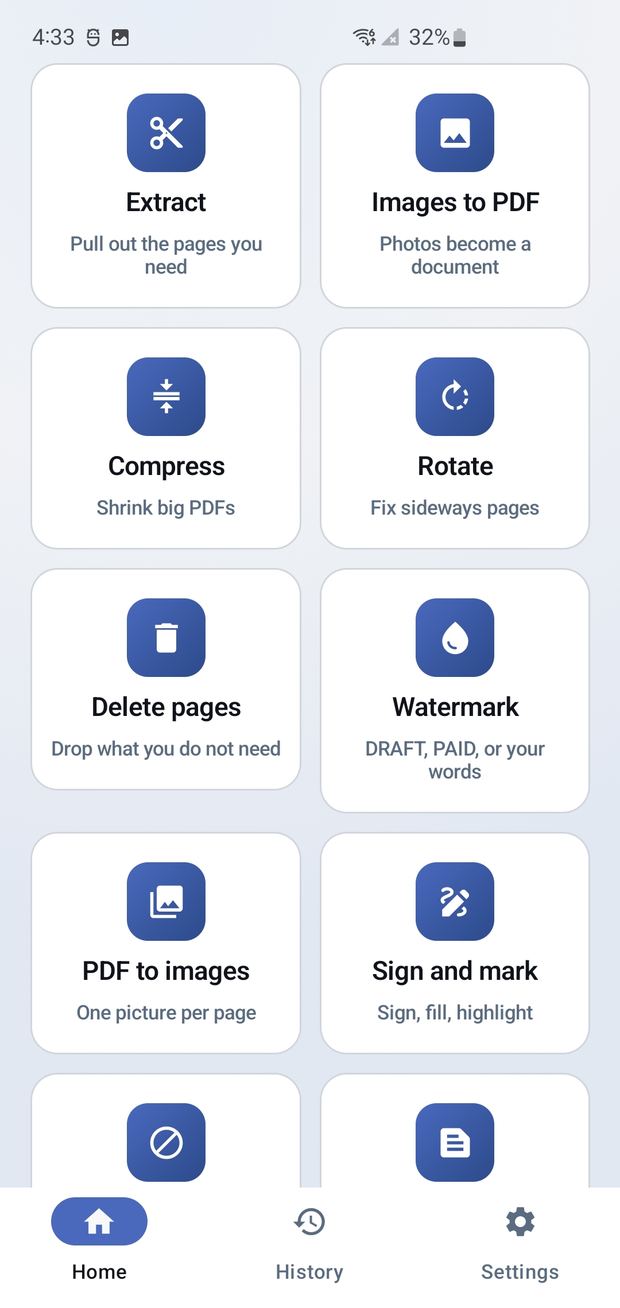
The PDF tools never touch a server at all. Rotating, reordering, combining, splitting, compressing, OCR, page numbers, watermarks, password protection and stripping hidden metadata all run on the phone, and they are free to use even if you never send a fax.
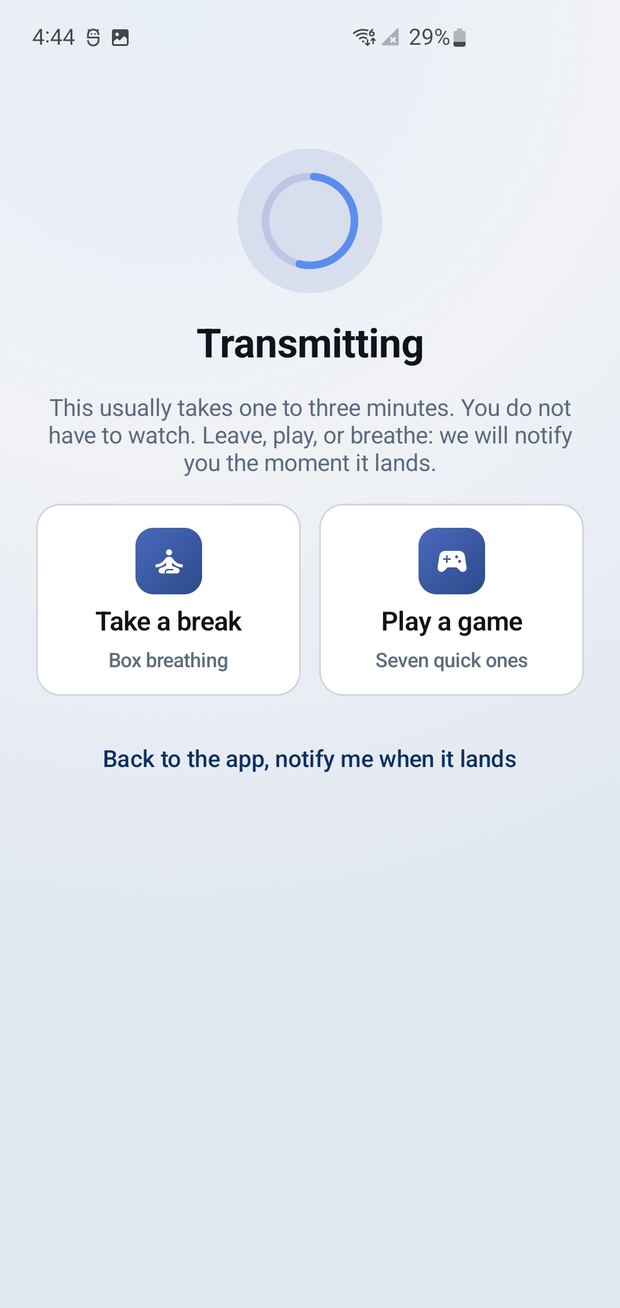
And because a fax takes a minute or two to transmit, there are seven small games to play while you wait. A fax app with Simon in it. Somebody had to do it.
Good to know before you send
SatisFaxion is send only today, and it does not receive faxes. It sends to numbers in the United States and Canada. It is not HIPAA certified, so healthcare providers should not use it to send protected health information. It is on the App Store for iPhone, with Android on the way. Details are at satisfaxion.app.
Questions people ask
Can I send a fax from my iPhone without a subscription?
Yes. SatisFaxion is pay per fax. You buy credits only when you need them, one credit sends up to five pages, and there is no monthly fee.
How much does it cost to send one fax?
Credits cost $4.99 for 5, $12.99 for 15 or $29.99 for 40, which works out to $1.00 down to about $0.75 per fax of up to five pages.
What happens if my fax fails?
If a fax does not deliver, the credit is returned to your account automatically.
Do fax credits expire?
No. SatisFaxion credits never expire.
Can SatisFaxion receive faxes?
Not yet. SatisFaxion is send only.
Is SatisFaxion HIPAA compliant?
No. SatisFaxion is not HIPAA certified and should not be used by healthcare providers to send protected health information.