


Roomor
Your private rooms for family and friends.
Chat, video and a map for your family and friends, locked so only your phones can read it. It works the same on iPhone and Android, keeps going with no signal, and opens rooms with the people around you too.
- Platforms
- iPhone, Android and your computer
- Price
- Free for 30 days, then a free hour a day
- Plans
- $1.99 a month, or $4.99 for a family of 5 phones
- Accounts
- None, and no real names
- Status
- Invite only, waiting list open
One app, whatever phone they have
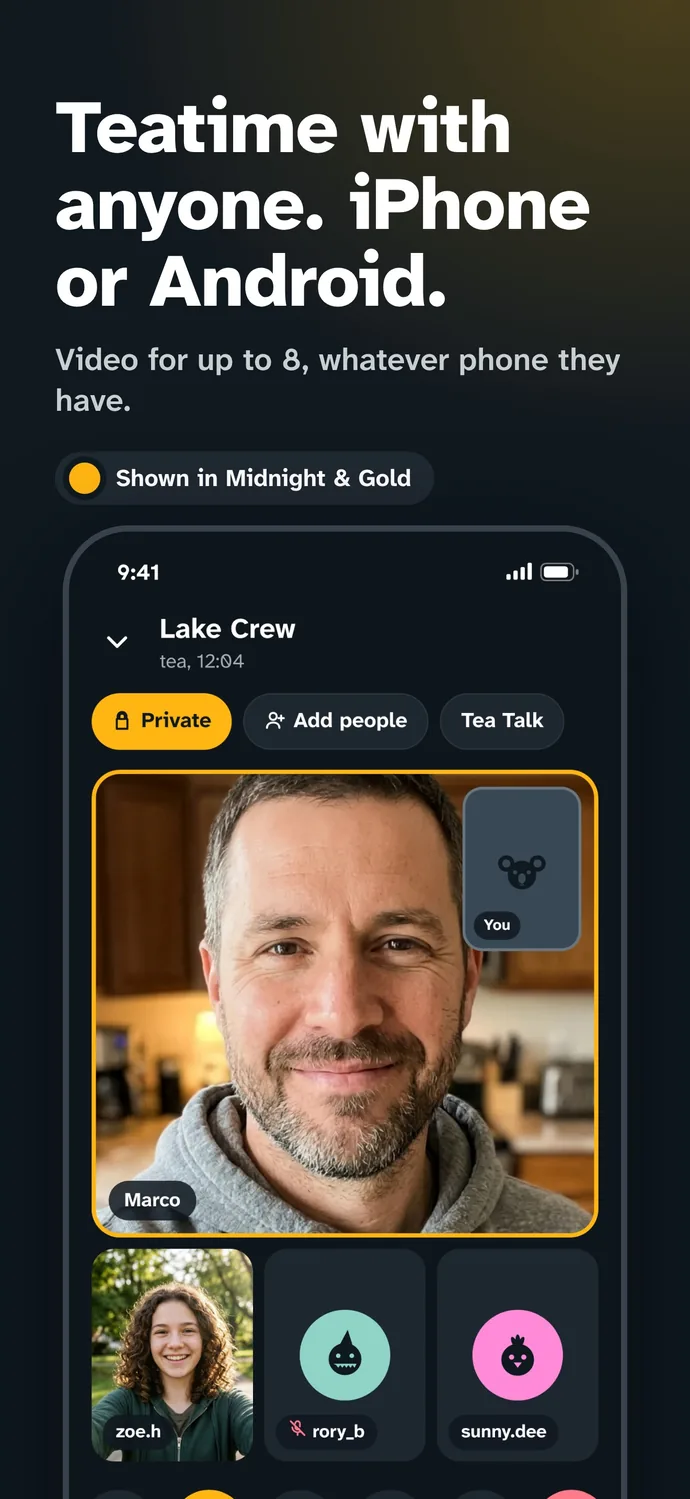
Most families are split between iPhone and Android, and most apps make one side the guest. Roomor is the same on both. A Family room keeps your people, your plans and your map in one place, with Teatime video for up to 8, and it takes the place of the pile of chat, video, map and list apps a family ends up juggling.
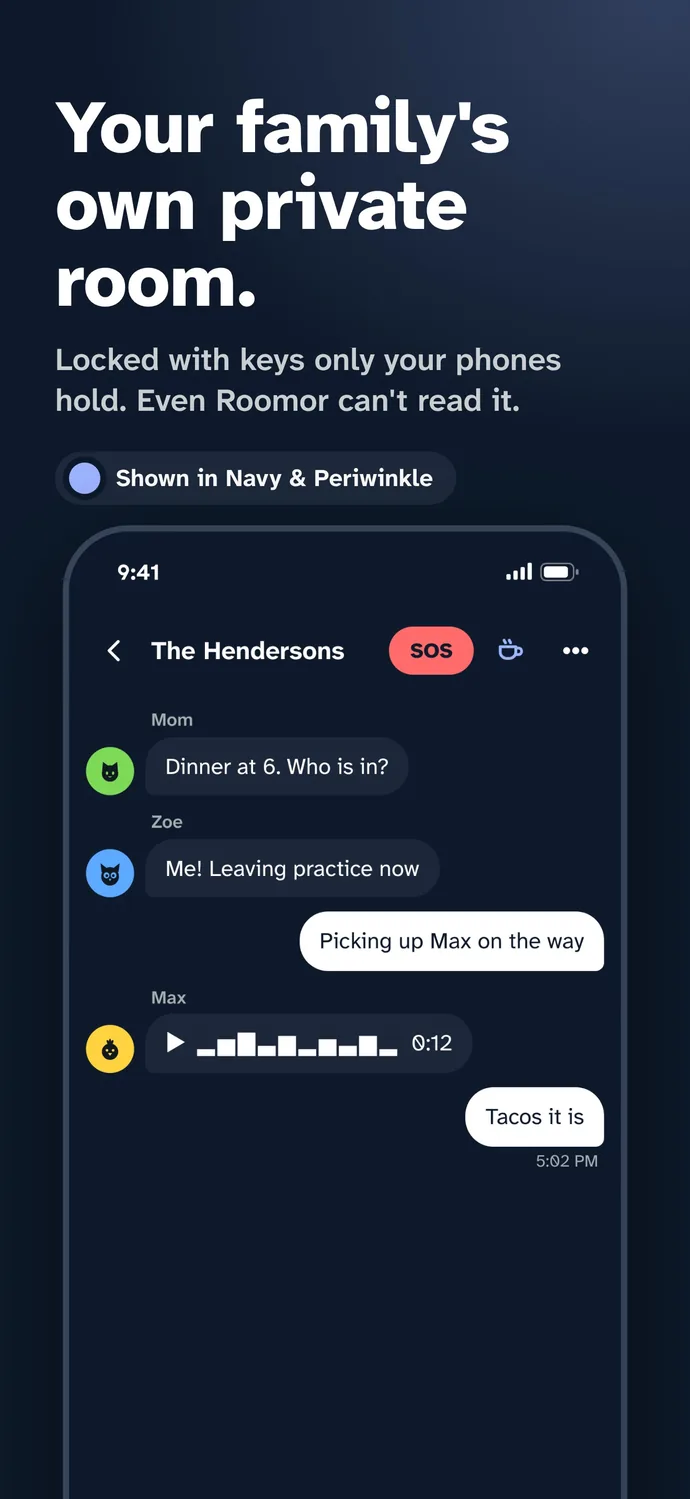
Everything in a room is locked with keys that only the phones in it hold. Nobody outside the room can read any of it, not even Roomor. And when there is no signal, the room keeps going from phone to phone.
What is in it
Teatime
Video for up to 8, iPhone or Android, with screen sharing. Tap the tea cup to ring one person or everyone.
A Family room
A private room that is yours for good, with SOS, arrival alerts and a daily check in.
The family map
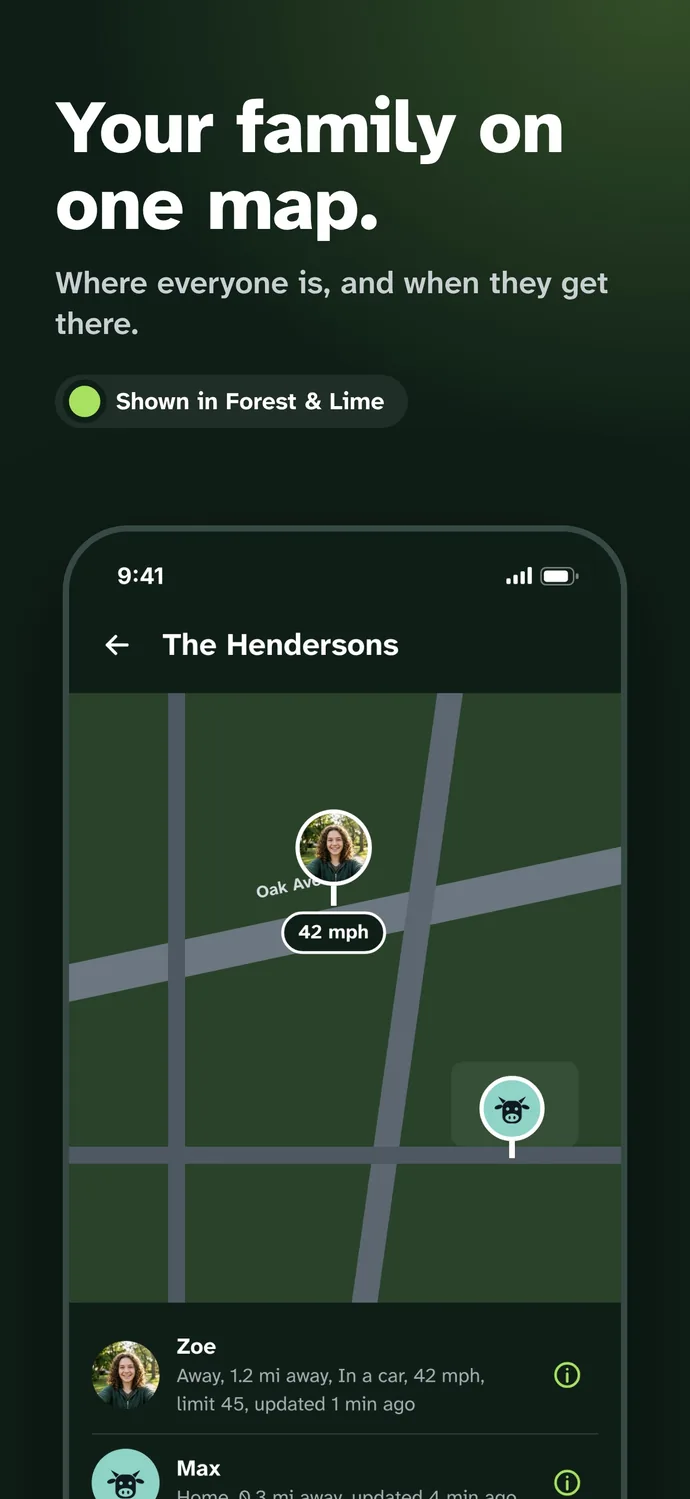
Everyone on one map, locked so only your family sees it.
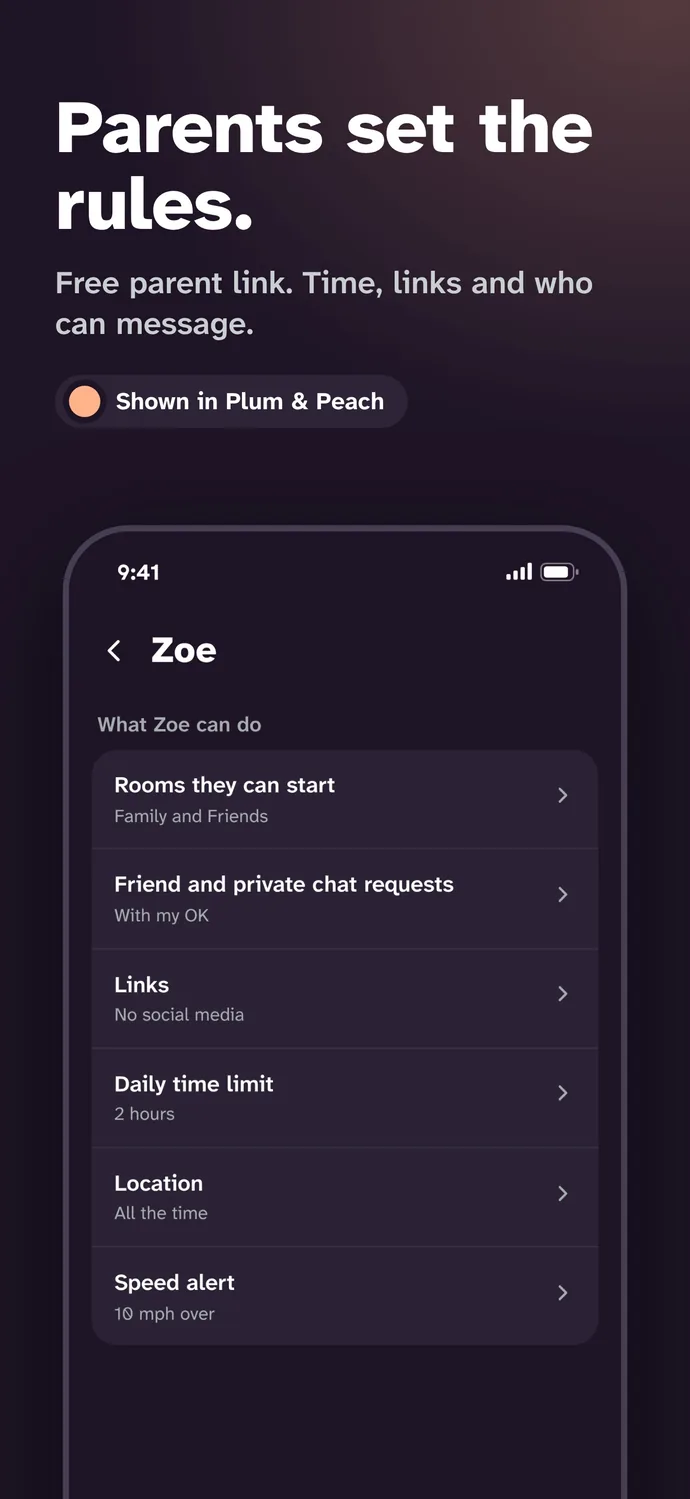
Parents set the rules
A free parent link sets a teen's time limit, links and who can message, with speed and arrival alerts.
No signal? Still talking
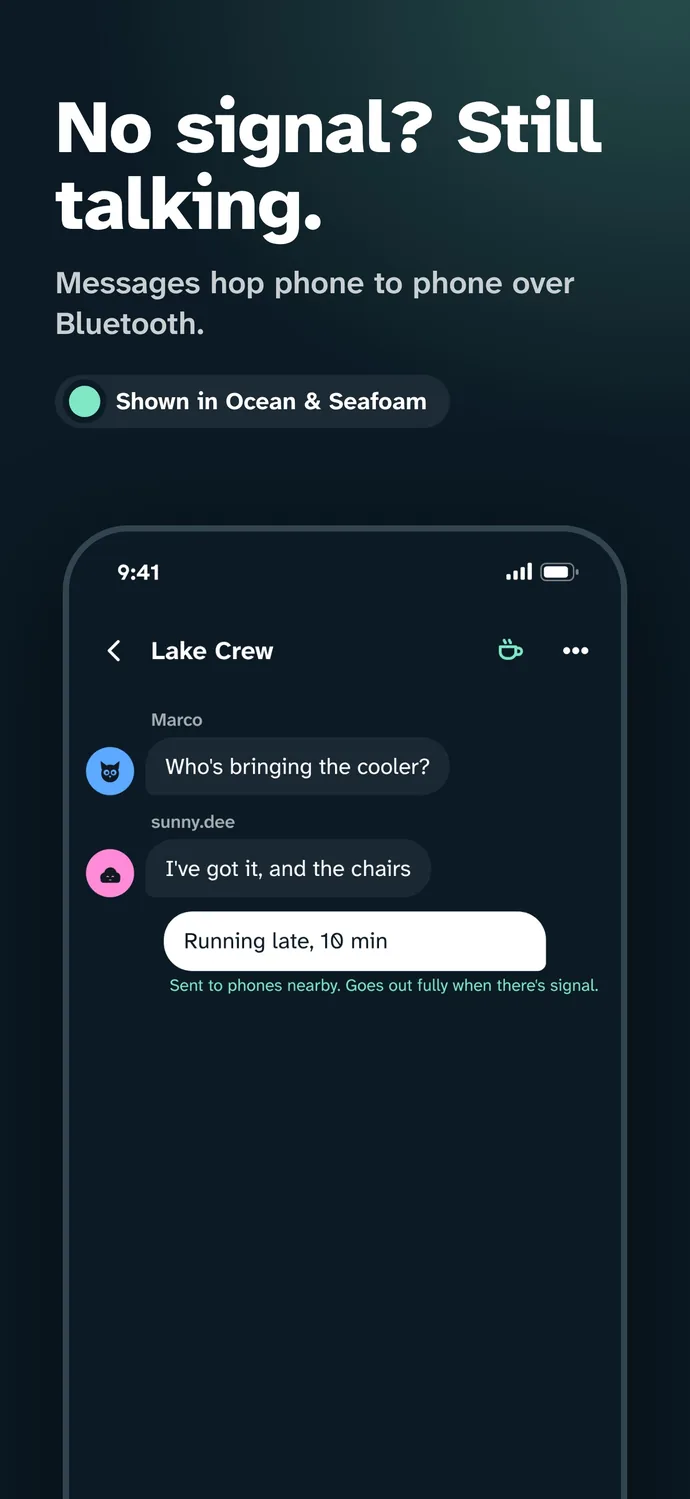
Messages hop phone to phone over Bluetooth, on a plane, in the stands or after a storm.
Rooms around you
Public rooms open for wherever you are: your flight, the game, the night market.
Lists, polls and games
Shared lists everyone can check off, polls, and 22 games to play in the room.
On your computer
Link a computer to your phone and your rooms open in the browser, Teatime included.
Tea Talk
One camera shows while the room watches and comments. The host can pass the camera.
Make it yours
33 color pairs, dark or light. Every screen follows your pick.
Screens
Privacy
Roomor has no accounts and asks for no real names. Messages, Teatime and the family map are locked with keys that live on your phones, so Roomor can't read or watch them. Teens 13 and up start with strict settings, and your phone checks every picture for nudity before it sends.
How it is built
Roomor is native on both sides: Swift on iPhone and Kotlin on Android, with a web app for your computer that links to your phone. With no signal, phones nearby pass locked messages along over Bluetooth. The server only ever holds messages it can't open.
Questions
Does Roomor work between iPhone and Android?
Yes. Roomor is the same app on iPhone and Android, and it works on a computer linked to your phone. Chat, Teatime video and the family map all work across both.
What is Teatime?
Teatime is the video call in Roomor. It holds up to 8 people in a Family, Friends or Private room, and anyone in the room can start it by tapping the tea cup.
Does Roomor need mobile data or Wi-Fi?
No. With no signal, messages hop phone to phone over Bluetooth between people nearby, and go out fully when there is signal again.
Do I need an account?
No. Roomor has no accounts and asks for no real name. You pick a name and you are in.
How much does Roomor cost?
Your first 30 days are free and unlimited. After that everyone gets a free hour a day. Roomor is $1.99 a month, and Roomor Family covers 5 phones for $4.99 a month.
How do I get Roomor?
Roomor is invite only for now. Join the waiting list at roomor.app, or use an invite from someone who is already in.
In Digital News
-
Roomor
How to FaceTime between Android and iPhone: you don't. You have Teatime.
Half the family has an iPhone, the other half has an Android, and somebody always ends up as the green bubble who can't join the video call. Here is what FaceTime can and can't do with an Android phone, and the app we built so nobody has to ask what phone you have., 5 min read -
 Phones
The iPhone Fold is finally here (Apple calls it iPhone Duo), plus the best Android foldables of 2026
After years of rumors, Apple finally folded. The first foldable iPhone ships October 23 under a name almost nobody guessed, and it walks into a fight Samsung, Google and Motorola have been having for years. Here is what Apple built, the Android foldables worth a look, and how to keep a $2,000 phone from running out of room., 7 min read -
 PITCH Roofing
My Safe Florida Home grants and roof replacement: the 2026 homeowner's guide
Florida will help pay to make your roof tougher before the next hurricane, then your insurer may knock money off your premium for it. Here is how the My Safe Florida Home program works, what roof work it covers, where it stands right now, and how to get in line., 6 min read