
Roomor
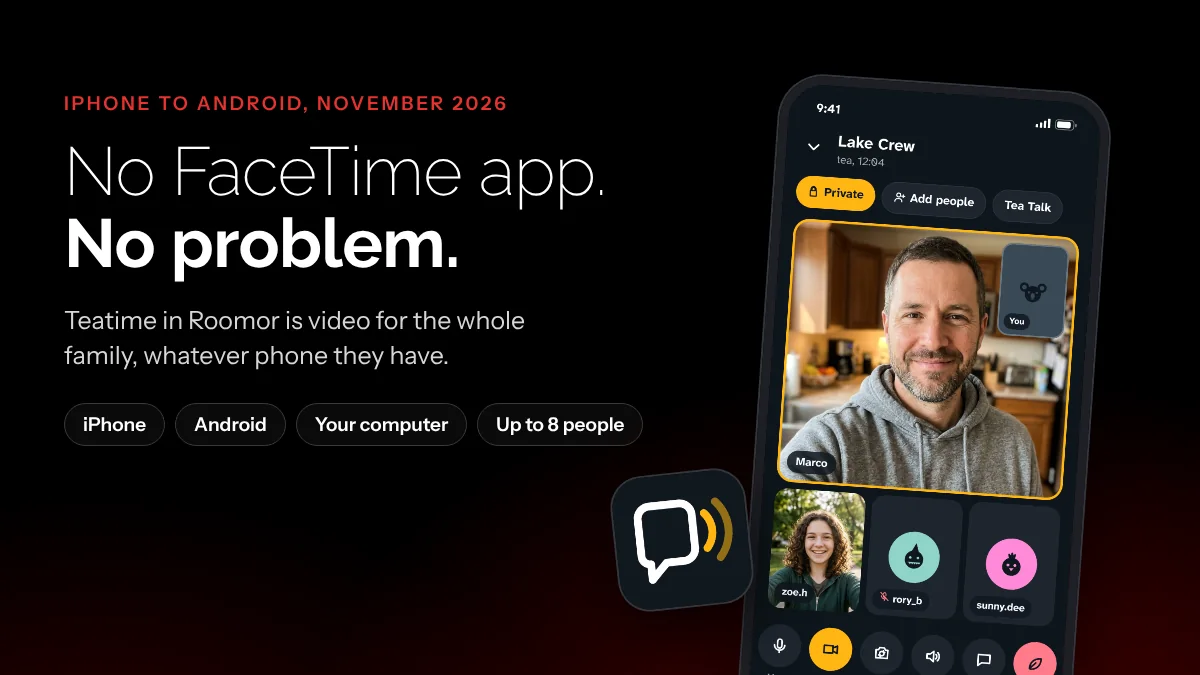
How to FaceTime between Android and iPhone: you don't. You have Teatime.
Half the family has an iPhone, the other half has an Android, and somebody always ends up as the green bubble who can't join the video call. Here is what FaceTime can and can't do with an Android phone, and the app we built so nobody has to ask what phone you have.
The short answer
You can't really FaceTime between Android and iPhone. There is no FaceTime app for Android. The most Apple allows is a FaceTime link: someone with an iPhone, iPad or Mac creates it, and the Android phone joins from the Chrome or Edge browser. The Android phone can never start the call. If you want video that works the same on both, use Teatime in Roomor: one app for iPhone, Android and your computer, up to 8 people, and anyone in the room can start it.
Can you FaceTime an Android phone?
Sort of, and only in one direction. FaceTime is an Apple app, and Apple has never made one for Android. You won't find it on Google Play, and any app there with FaceTime in its name is not from Apple.
What Apple did add is the FaceTime link. A person on an iPhone, iPad or Mac makes a link, texts it to the Android phone, and the Android phone opens the call in a web browser. Apple's own support page spells it out: links are created on Apple devices, and the Android or Windows side joins with the latest Chrome or Edge.
How the FaceTime link trick works
If an iPhone owner in your life insists, here is the whole dance.
- The iPhone person goes first. They open FaceTime, create a link and send it to you. You can't make one yourself.
- You open the link on your Android phone. It has to open in Chrome or Edge, and it needs to be the latest version.
- You type your name and let the browser use your camera and microphone.
- You tap Join, then you wait. Someone on the Apple side has to let you in.
Once you are in, you can mute, turn your camera off, flip cameras and see everyone in a grid. That part works fine.
Why it gets old fast
The link is a guest pass, and it feels like one.
- You can never start the call. No link, no call. If Grandma has the Android phone, she waits for somebody else to think of her.
- You can't call back. Miss the call and there is no button to ring the iPhone again. You text and ask for another link.
- You knock every time. Each call, somebody on the Apple side has to let you in.
- The extras are Apple only. Apple says SharePlay and screen sharing are not available when you join from the web.
- It lives in a browser tab. There is no app on your phone, so the call is one stray swipe away from gone.
For one birthday call a year, fine. For a family that talks every week, it is a chore, and the Android side always feels like a guest in somebody else's house.
The better way: Teatime in Roomor
Full disclosure: Roomor is a Slover Digital app. We built it so nobody has to ask what phone you have before a video call.
Roomor gives your family or your friends a private room: chat, a map and video in one place. The video call is called Teatime. Here is what makes it different.
- Same app on both phones. iPhone and Android get the same Roomor, with the same buttons. Nobody is the guest.
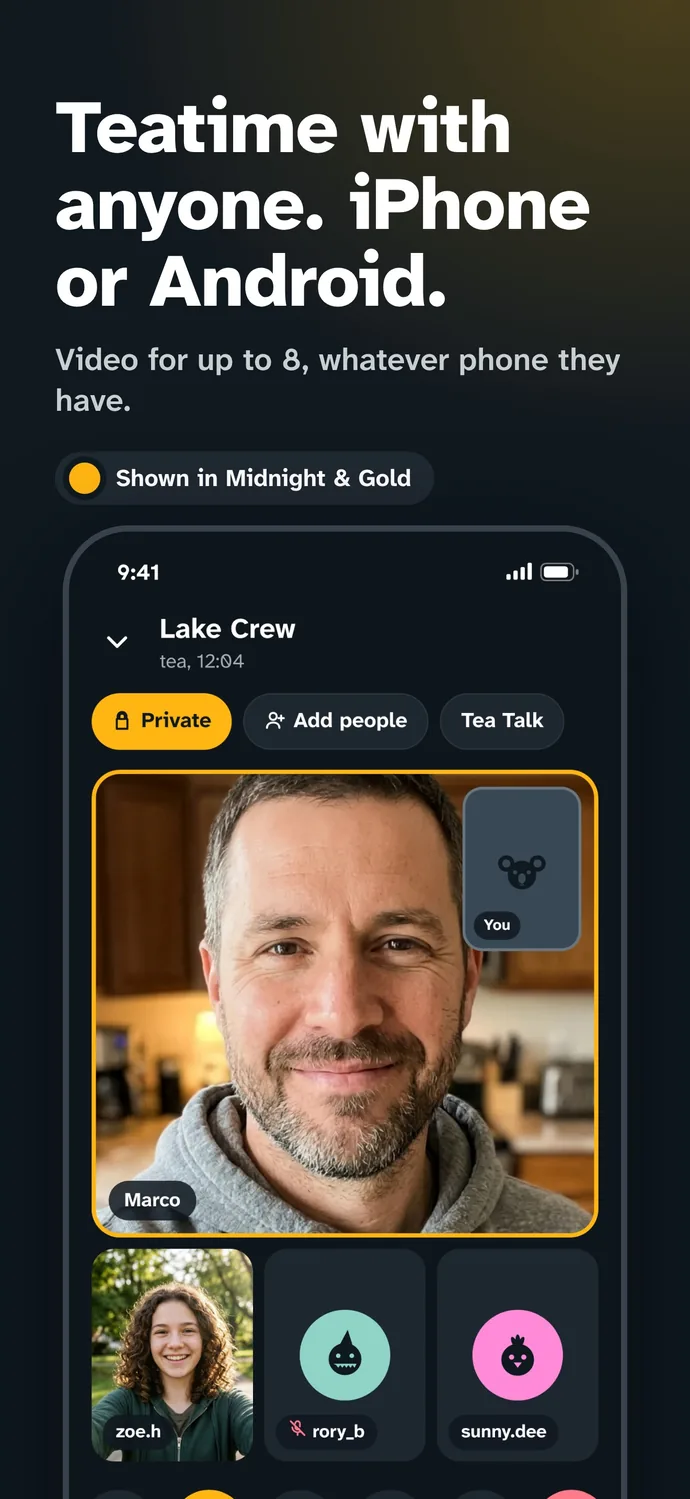
- Anyone can start it. Tap the tea cup in the room and it rings one person or everyone.
- Up to 8 people. Enough for the whole family, or the whole game night.
- Your computer counts too. Link a computer to your phone and join from the big screen.
- Share your screen. Show the vacation photos or run the meeting from your phone.
- No account to set up. You pick a name and you are in.
- It is private. A Teatime goes straight from phone to phone, locked, so not even Roomor can watch.
- It works with no signal. When the people in the room are nearby, Teatime runs phone to phone with no mobile data and no Wi-Fi.
There is also Tea Talk, for when one person has the floor. One camera shows, the room watches and comments, and the host can pass the camera to someone else. Think show and tell, a toast, or the person running the D&D table.
How to start a Teatime
- Get Roomor on both phones. It is the same app for iPhone and Android.
- Open a room. A Family room, a Friends room, or a Private chat with one person.
- Tap the tea cup. Ring one person or the whole room.
- Turn your camera on when you are ready. Cameras start off, so nobody gets caught mid sandwich.
That is it. No link to make, nobody to let in, and the Android phone can ring the iPhone just as easily as the other way around.
FaceTime link or Teatime, side by side
| FaceTime link | Teatime in Roomor | |
|---|---|---|
| App on Android | No, browser only | Yes |
| Android can start the call | No | Yes |
| Android can call back | No, needs a new link | Yes |
| Someone has to let you in | Yes, every call | No, you are already in the room |
| Screen sharing from Android | No | Yes |
| Works with no signal | No | Yes, with people nearby |
| Needs an Apple device to begin | Yes | No |
Price: your first 30 days of Roomor are free and unlimited, with 3 hours of Teatime a day, and no card to enter. After that everyone still gets a free hour a day. A plan makes it unlimited: $1.99 a month for you, or $4.99 a month for a family of five phones, iPhone or Android. If anyone in a Family, Friends or Private room has a plan, that room never counts against anyone's hour.
One catch: Roomor is invite only for now while it opens up. Join the waiting list at roomor.app and you get one email the day it opens to everyone. If someone you know is already in, ask them for an invite.
Questions people ask
Can you FaceTime between Android and iPhone?
Only part of the way. There is no FaceTime app for Android. Someone with an iPhone, iPad or Mac has to create a FaceTime link and send it, and the Android phone joins from Chrome or Edge.
Is there a FaceTime app for Android?
No. Apple has never released FaceTime for Android. An Android phone can only join a FaceTime call in a web browser, from a link an Apple device made.
Can an Android phone start a FaceTime call?
No. FaceTime links are created on an iPhone, iPad or Mac. An Android phone can join a call it was invited to, but it can't start one or call an iPhone back.
What is Teatime in Roomor?
Teatime is the video call in Roomor. It works between iPhone, Android and a computer, holds up to 8 people, and anyone in the room can start it by tapping the tea cup.
Is Teatime free?
Your first 30 days of Roomor are free and unlimited, with 3 hours of Teatime a day. After that everyone still gets a free hour a day, and plans start at $1.99 a month.
Can I get Roomor right now?
Roomor is invite only for now. You can join the waiting list at roomor.app and get one email the day it opens to everyone.